The Update Test: Why Every Software Change Should Earn Trust, Not Spend It
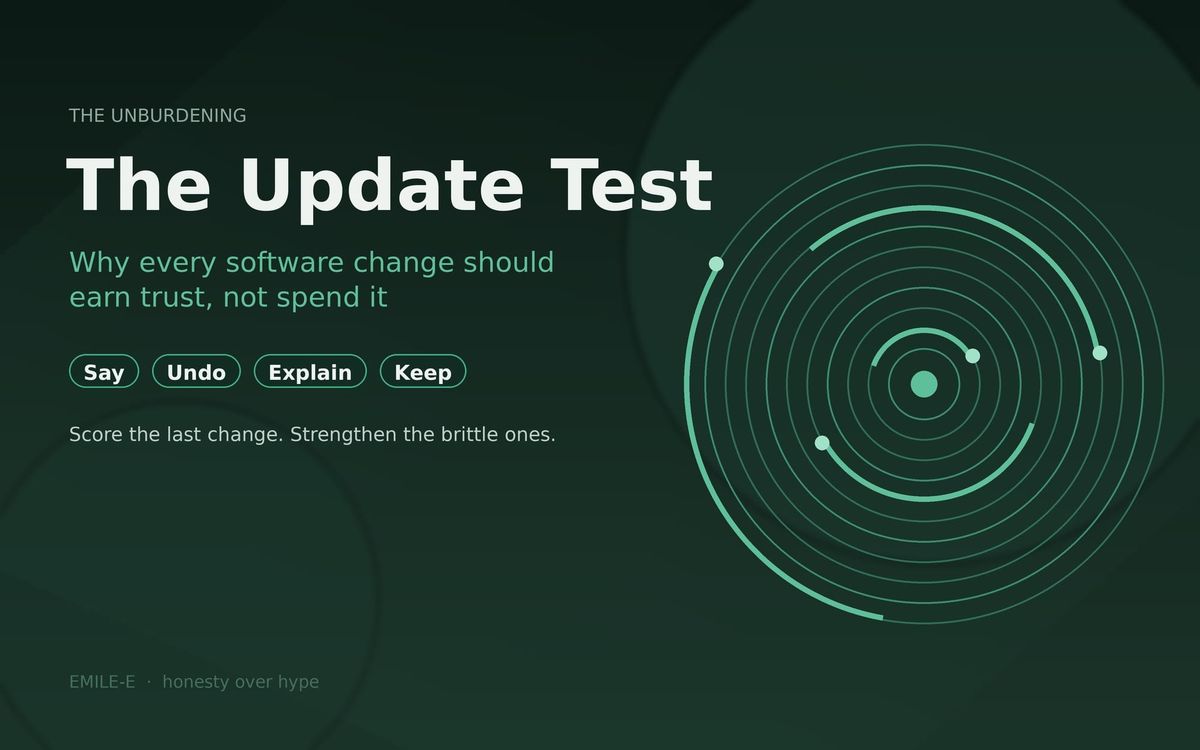
Every update to the tools your clients touch either earns a little trust or quietly spends it. The Update Test is four questions any practice can ask of any vendor, including us: say it plain, make it undoable, explain every number, take nothing quietly.

Most software updates arrive without a sound.
An app refreshes overnight. A button moves. A screen that used to say one thing now says another. Somewhere in a store listing there is a line that reads "bug fixes and performance improvements."
For most apps, that is fine. For the tools your clients use to reach their therapist, it is not nothing. A client who opens the app on a hard day and cannot find what was there last week does not think "new release." They think "I did something wrong," or "this place is harder to reach than it used to be."
Every change to a client-facing tool either earns a little trust or quietly spends it.
This Issue of The Unburdening names an Update Test for independent and small-group practices: when the software your clients touch changes, can you tell what changed, and does the change leave people more certain or less?
Change is part of care now
Practices used to change slowly. The intake packet got a new page once a year. The front desk learned the new phone system over a long weekend.
Now part of the front desk lives on a client's phone, and a vendor can change it on a Tuesday. Good software should keep getting better, so that part is healthy. It does mean the practice inherits every change, whether it asked for it or not, and the client experiences every change as the practice's decision.
So the practice needs a way to judge updates that does not require reading code.
The Update Test
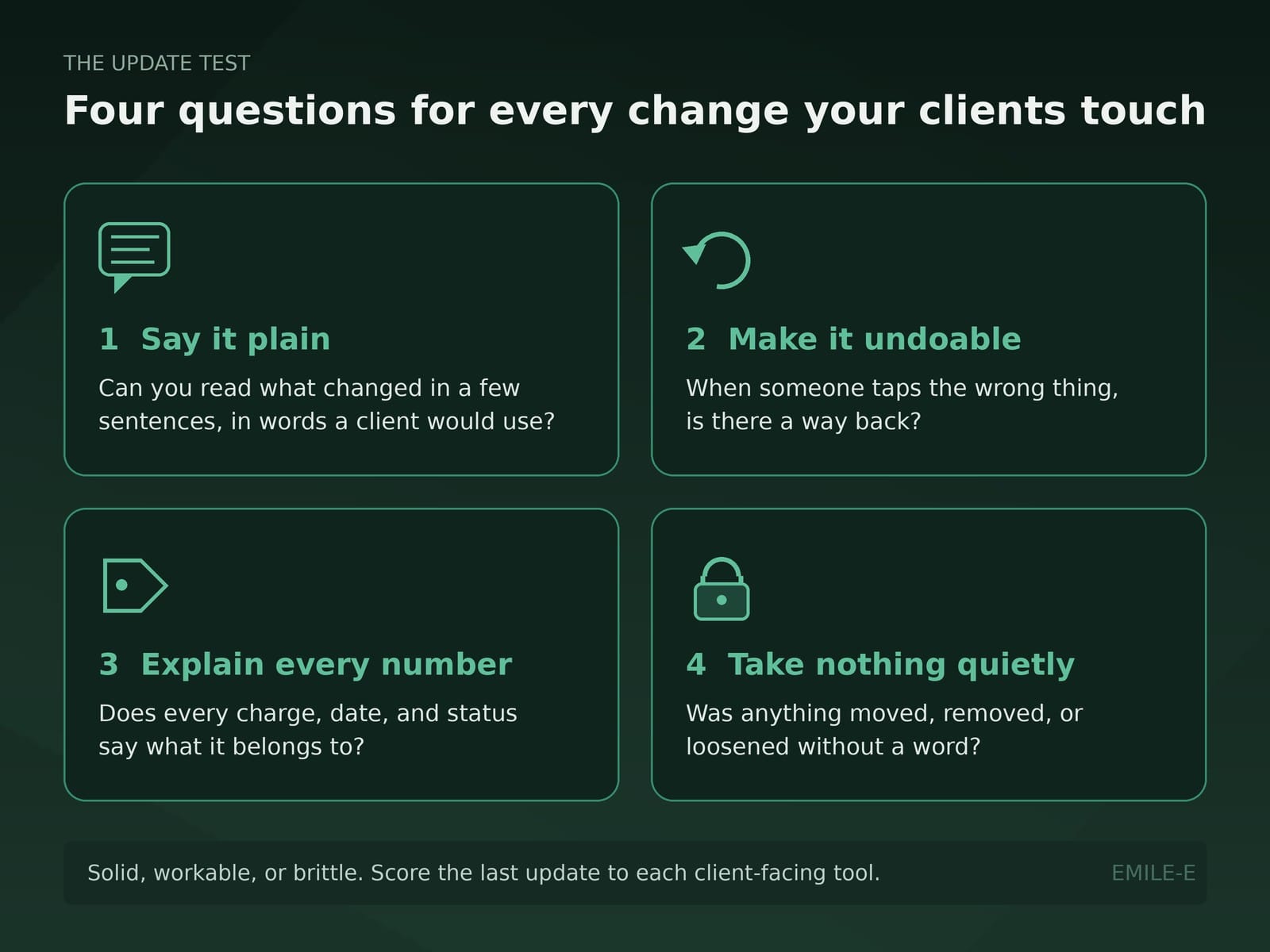
Pick the last two or three changes to any tool your clients use (client app, portal, forms, reminders, payments). Score each one: solid, workable, or brittle.
- Say it plain. Can you read what changed in a few sentences, in words a client would use? "Improvements" is not a description. A good note names the thing that is different and where to find it.
- Make it undoable. When someone taps the wrong thing, is there a way back? Cancelling, deleting, submitting, and sending are the moments where a mistake turns into a phone call, or into a client quietly deciding not to come back.
- Explain every number. Does every charge, balance, date, and status say what it belongs to? A number with no context is a question the client has to ask someone, usually at the worst time.
- Take nothing quietly. Did anything get moved, removed, or loosened without a word? Familiar paths, privacy settings, notification behavior, and permissions deserve the same plain note as anything new.
If any one of those four is brittle, the update spent trust even if it added features. Clients rarely file feedback about release notes. They just feel less sure, and in this work less sure is expensive.
Presence and the front door still apply
The Presence Test asks whether a tool reduces cognitive load at the moment of care or adds another field, tab, or portal. The Front Door Test asks whether a client can find the next step without becoming unpaid staff for your stack.
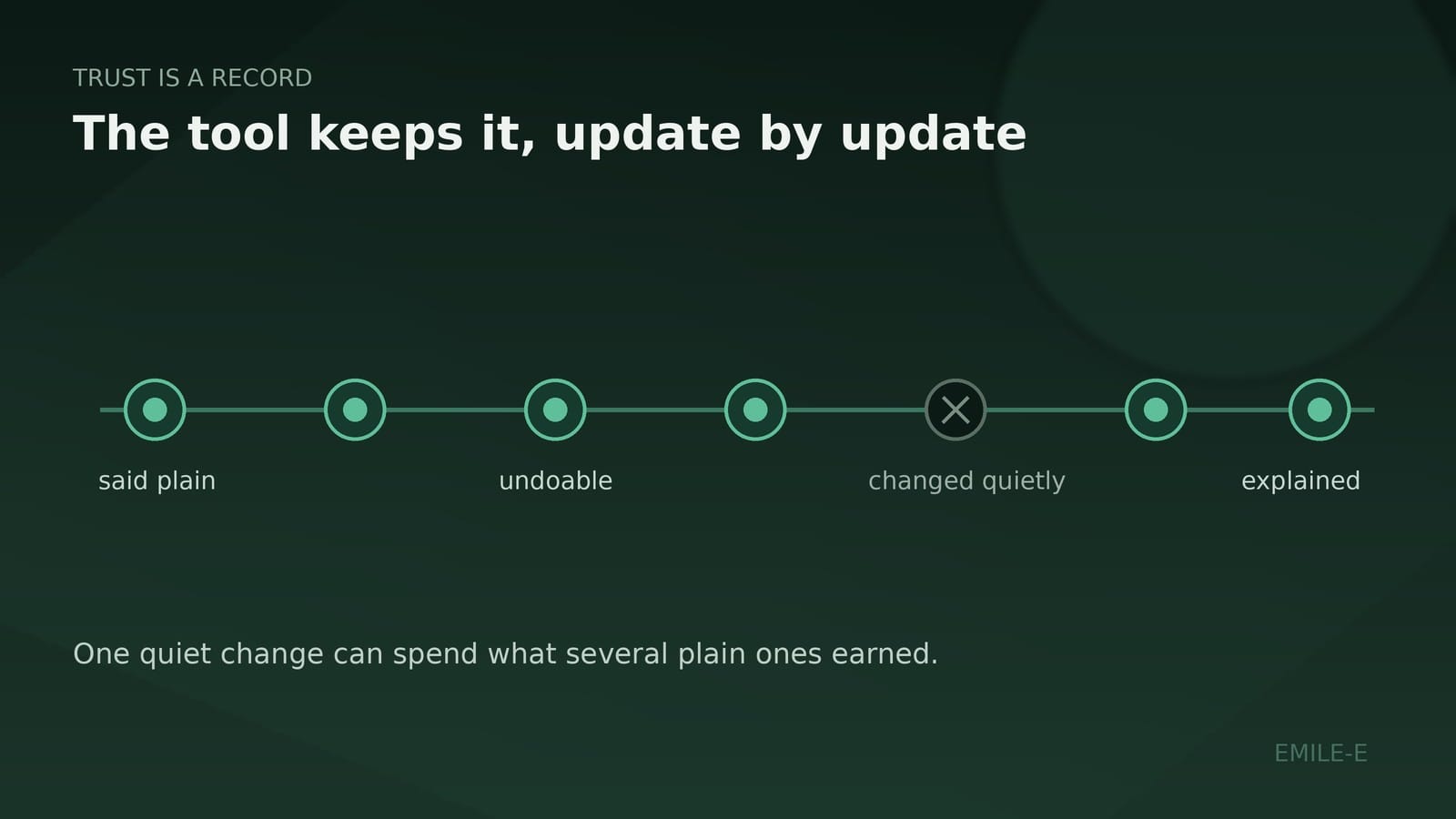
The Update Test adds time to both. A path that passed the Front Door Test in the spring can fail it in the fall because of one unannounced change. Trust is a record the tool keeps, update by update.
Holding ourselves to it
We should be graded by the same four questions, so here is a recent example of our own instead of a hypothetical.
Last week, version 1.2.0 of the EMILE-E client app went live on the App Store. Its release notes, in full:
"Upload a document now lets you choose Browse files (including iCloud Drive and Google Drive), Photo library, or Take a photo. Cancelling an appointment is recoverable, and billing cards say which session each charge is for."
Run the test on it. Say it plain: three changes, each named in words a client would recognize. Make it undoable: a cancelled appointment is recoverable. Explain every number: a charge now says which session it is for. Take nothing quietly: nothing in that note says something was removed, and that is exactly the line a practice should look for.
A point release proves nothing large. What it can show is the standard: small, specific, and readable by the person on the other side of the screen. If a future update of ours fails one of the four, the test should catch it, and we would want to hear about it.
What good looks like (without theater)
You do not need a vendor-management process. You need a habit a busy practice can keep.
Plain: someone at the practice reads the note before clients ask about it.
Undoable: the riskiest client actions (cancel, delete, submit) have a way back, or at least a clear confirmation.
Explained: every charge and status on the client side answers "for what?" without a phone call.
Nothing quiet: privacy and notification behavior do not change without a line in writing.
Wherever the answer is "we found out when a client called," that is the design problem. Not a client problem.
What to audit this week
List the tools your clients touched this month. For each, find the most recent update and score Say / Undo / Explain / Keep.
If you cannot find release notes at all, that is your first score. Ask the vendor for them. A vendor who cannot tell you what changed is asking you to explain it to clients yourself.
Strengthen the brittle ones first. Tool shopping second.
Coordination is the product
EMILE-E builds for the practice side of this reality. Practice OS is meant to keep operational truth coherent so scheduling, notes, claims, and the client app stop living as separate improvisations. VibedIn and Sesh sit in that same family when the practice chooses the soft packages that fit.
Practice OS is $89 per clinician per month. VibedIn is $49 per practice per month. Sesh is $10 per clinician per month.
No invented urgency. No fake adoption charts. Just the thesis: if software is going to keep changing around your clients, make every change legible.
Closing
Your clients did not sign up for a changelog. They signed up for care, and the tools around care keep moving.
Say it plain. Make it undoable. Explain every number. Take nothing quietly.
Score the four. Strengthen the brittle ones. Keep the record honest.
That is how software keeps the trust it was given.
The Unburdening is EMILE-E's practice-side letter on building mental health infrastructure that holds. Quiet coordination over tool sprawl.